

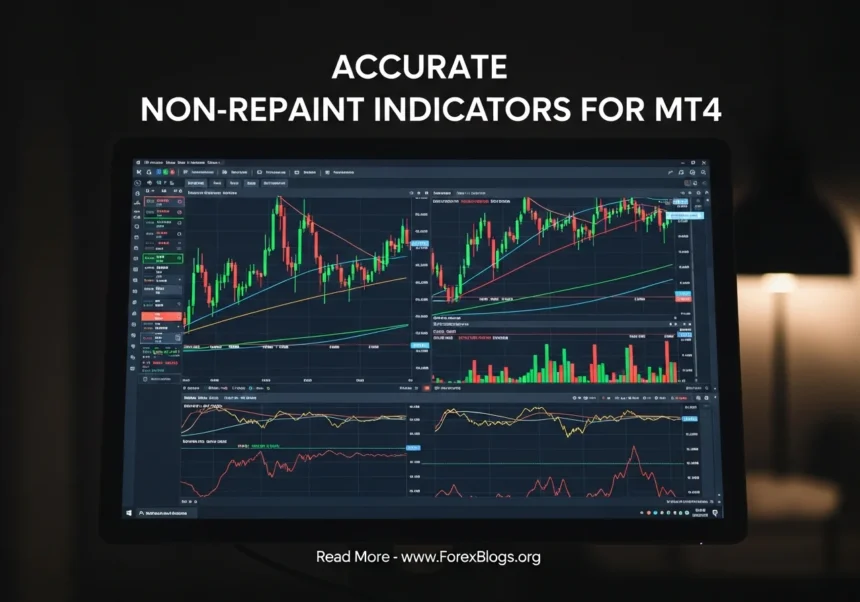
Ever jumped into a trade because your chart showed a perfect “buy” arrow, only to watch that arrow magically vanish a few minutes later? Yeah, we’ve all been there, and it’s incredibly frustrating. That sneaky little trick is called repainting, and it’s arguably the quickest way to blow up a trading account. Accurate Non-Repaint Indicators for MT4
- What Are Non-Repaint Indicators?
- Popular Types of Non-Repainting Tools
- Step-by-Step Guide: How to Test and Use Non-Repaint Indicators on MT4
- Step 1: Download and Install the Indicator
- Step 2: Open the MT4 Strategy Tester
- Step 3: Run a Visual Test
- Step 4: Watch Like a Hawk
- Step 5: Trade the Candle Close
- Common Mistakes Beginners Make With Indicators
- 1. Believing in the “Holy Grail”
- 2. Creating “Indicator Soup”
- 3. Ignoring the Bigger Picture
- 4. Forgetting About Price Action
- FAQs About MT4 Indicators
- Conclusion
If you want to stop chasing ghost signals and actually start trusting your charts, you need to use non-repaint indicators. Let’s break down exactly what these tools are, why they matter, and how you can use them on MetaTrader 4 (MT4) without ripping your hair out.
What Are Non-Repaint Indicators?
Simply put, non-repaint indicators are trading tools that don’t change their minds after the fact. Once a signal prints on your MT4 chart and the candlestick closes, that signal stays there forever. It won’t magically shift backward in time to make the indicator look more accurate than it actually was.
Think of it like using a GPS on a road trip. A “repainting” GPS would tell you to turn left, but right as you miss the turn and drive into a ditch, it recalculates and says, “Oops, I meant turn right.” Not very helpful, is it?
A non-repainting GPS, on the other hand, gives you the instruction and stands by it, even if it ends up being the wrong route. In trading, you absolutely need that honesty. You need tools that show you exactly what happened so you can build a strategy that works in live markets, not just in hindsight.
Why do repainting indicators even exist?
You might be wondering why anyone would create an indicator that lies. The truth? It’s usually to sell you a dream.
Scammy developers code indicators to look backward in time and move their buy/sell arrows to the absolute perfect peaks and valleys of the market. When a beginner looks at the historical chart, it looks like a “Holy Grail” system with a 100% win rate. But the moment you use it in real-time, the arrows keep moving until the trend actually shifts, leaving you with massive losses.
This is exactly why finding accurate non-repaint indicators for MT4 is a total game-changer for your trading journey.
Popular Types of Non-Repainting Tools
Before we get into the setup, it helps to know what you’re looking for. The good news is that most of the default tools built into MT4 are completely honest.
Here are a few classic examples that do not repaint:
- Simple Moving Averages (SMA): Once the candle closes, the average is locked in.
- Relative Strength Index (RSI): The momentum value stays exactly where it printed.
- MACD: The histogram bars and signal lines won’t shift after the close.
- Bollinger Bands: The standard deviation bands stay firmly in place.
When you start downloading custom indicators from forums or the MQL5 market, that’s when you need to be careful and test them thoroughly.
Step-by-Step Guide: How to Test and Use Non-Repaint Indicators on MT4
So, you’ve found a cool custom indicator online and you want to use it. How do you know if it’s honest? Here is a simple, foolproof way to test any tool on MT4.
Step 1: Download and Install the Indicator
First, download your custom indicator file (usually ending in .ex4 or .mq4). Open your MT4 platform, click on File > Open Data Folder. Next, click into the MQL4 folder, and then the Indicators folder. Drag and drop your new file right in there. Close MT4 and open it again to refresh your list.
Step 2: Open the MT4 Strategy Tester
This is the secret weapon every trader needs. Press Ctrl + R on your keyboard to open the Strategy Tester panel at the bottom of your screen. Select “Indicator” from the dropdown menu and pick the tool you just installed.
More Read

Step 3: Run a Visual Test
Pick a currency pair and a timeframe (like the 15-minute chart). Make sure to check the tiny box that says Visual Mode. You can adjust the slider next to it to control the speed of the test. Hit the “Start” button.
Tip: Don’t speed it up too much! Keep it slow enough so you can actually watch the candles form.
Step 4: Watch Like a Hawk
As the historical data plays out like a video, watch the indicator closely. When an arrow or signal appears, does it stay there after the candle closes? Or does it vanish and reappear three candles later when the price drops? If it moves, delete it immediately. If it stays put, you’ve found a true non-repaint indicator.
Step 5: Trade the Candle Close
When you finally put a reliable indicator on your live chart, there is one golden rule: never take the trade while the current candle is still moving. Always wait for the candle to close. Even non-repainting indicators will flicker on and off while the current price is fluctuating. The signal is only confirmed once the countdown hits zero and a new candle begins.
Common Mistakes Beginners Make With Indicators
Even with the most accurate non-repaint indicators for MT4, you can still lose money if you don’t use them correctly. Here are a few traps you need to avoid.
1. Believing in the “Holy Grail”
Let’s get this out of the way: there is no indicator on earth that wins 100% of the time. Non-repainting simply means the tool is honest, not that it’s psychic. You will still have losing trades, and that’s just a normal part of the business. Manage your risk accordingly.
2. Creating “Indicator Soup”
It’s tempting to slap ten different indicators on your chart to get “extra confirmation.” Don’t do it. Your chart will end up looking like a messy bowl of neon spaghetti. You won’t be able to see the actual price, and you’ll end up paralyzed because your RSI says buy, but your MACD says sell. Stick to two or three tools that complement each other.
3. Ignoring the Bigger Picture
A buy signal on a 5-minute chart doesn’t mean much if the daily chart is in a massive downtrend. One of the biggest mistakes new traders make is zooming in too close. Always check a higher timeframe to see the overall direction of the market before blindly following a signal.
4. Forgetting About Price Action
Indicators are just math formulas based on past prices. They lag behind what the market is doing right now. You still need to learn the basics of support, resistance, and market structure. An indicator should be the sidekick to your trading strategy, not the main hero.
FAQs About MT4 Indicators
How do I know for sure if an indicator repaints?
The only guaranteed way is to watch it in real-time or use the MT4 Strategy Tester in visual mode. If a signal changes its position after a candle has fully closed, it repaints.
Are the default MT4 indicators non-repainting?
Yes, almost all the standard indicators that come pre-installed on MetaTrader 4 (like Moving Averages, RSI, Stochastic, and MACD) are non-repainting. They are mathematically honest and will not change past data.
Where can I find reliable custom indicators?
The MQL5 marketplace is a great place to start, as you can read user reviews. Just be sure to read the comments carefully—if an indicator repaints, angry traders will usually call it out in the review section! Trading forums like Forex Factory also have huge libraries of free, community-tested tools.
Conclusion
Navigating the forex market is tough enough without your own charts lying to you. Making the switch to accurate non-repaint indicators for MT4 is one of the smartest things you can do as a beginner. It forces you to look at the market honestly, accept your losses, and refine a strategy that actually works in the real world.
Remember, the goal isn’t to find a magic arrow that never fails. The goal is to find tools that give you consistent, truthful data so you can make educated decisions.
Take a few minutes today to open up your MT4 Strategy Tester. Run your favorite indicator through a visual test and see how it behaves. You might be surprised by what you find!
Have you ever been burned by a repainting indicator before? Drop a comment or share your experience below—we’d love to hear how you handled it!
#NonRepaintIndicators #MT4Indicators #ForexTrading #TradingStrategy #MetaTrader4 #DayTrading #TechnicalAnalysis #ForexSignals #StockMarket #TradingTools #AlgoTrading #Investment #ProfitSignals #MT4Tools #FinancialMarkets #ForexExpert